Our PSD mockups are editable, so you can show your design on a realistic, campaign-ready image. You will need Adobe Photoshop (or Photopea, a free web based alternative) and your design file, preferably a transparent PNG.
1. Open your mockup
Open the downloaded .PSD file in Photoshop or Photopea.
2. Find the smart object
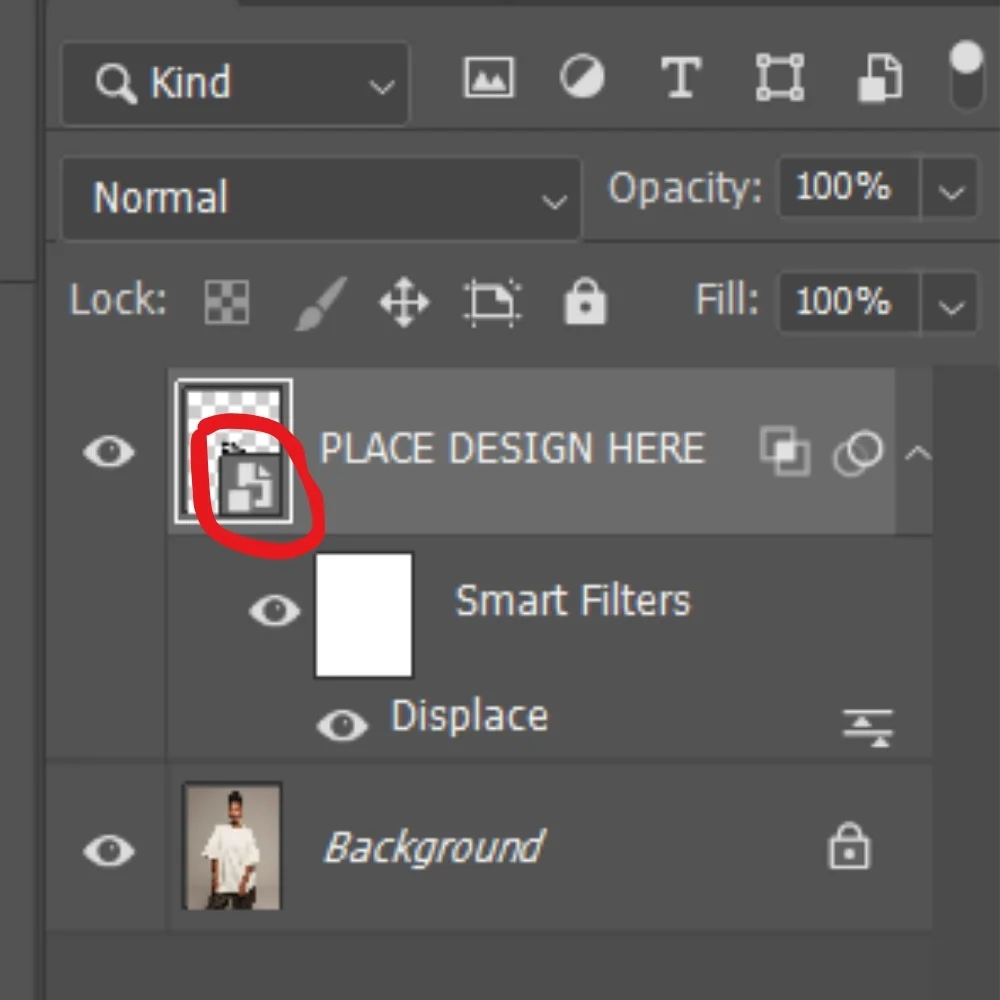
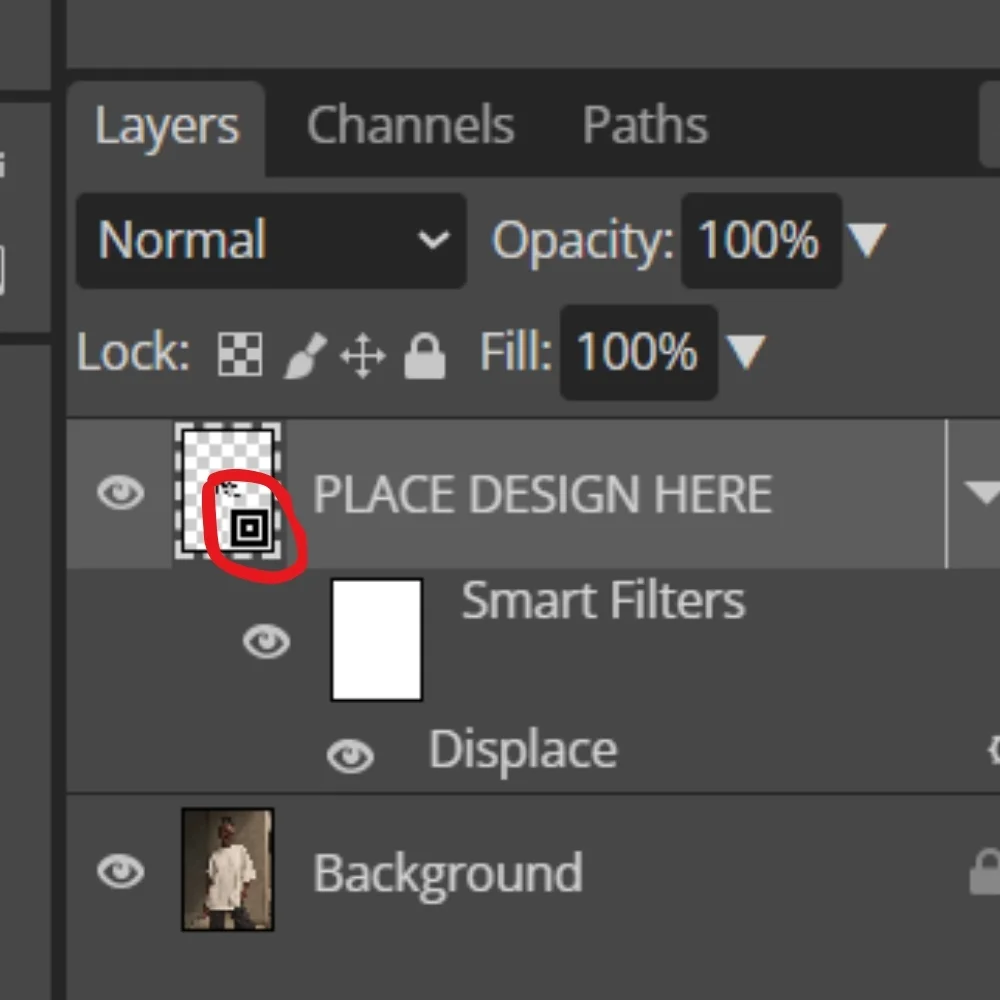
In the Layers panel, look for the layer called PLACE DESIGN HERE. Double-click its smart object thumbnail and the editable design opens in a new tab.
3. Add your design
- Hide or delete the placeholder artwork.
- Drag your own design into the smart object document, then resize and position it on the canvas.
- Important: keep the original canvas dimensions unchanged.
4. Save your changes
Press Ctrl + S (Windows) or Cmd + S (Mac) to save the smart object. Go back to your main mockup document and your design will show up on the tee with the prepared effects applied.
5. Export your mockup
- Once you like the result, go to File > Export > Export As.
- Choose JPG or PNG, pick your quality and export the finished image.
- Keep a separate copy of your edited PSD if you want to use it again later.
Helpful tips
- Replace the artwork inside the smart object, not directly on the main photograph.
- Keep your design inside the printable area of the garment.
- Avoid changing the prepared filters, blending modes or layer structure.
- For couple mockups, edit each shirt's smart object separately.
Need help?
Having trouble editing your mockup? We are happy to help. Email us at [email protected].
Browse mockups